
Image DPI Checker Online – Check Photo DPI Instantly Free
Our Image DPI Checker Online tool helps you quickly check the DPI (Dots Per Inch) of any image without installing software. Simply upload your JPG, PNG, WEBP, GIF, or other supported image files to view important details such as DPI, image dimensions, resolution, file size, and estimated print quality.
Whether you’re preparing photos for printing, designing marketing materials, creating passport-size photos, or checking image quality for professional use, this free tool provides accurate results in seconds. Understanding an image’s DPI is essential for ensuring sharp and high-quality prints. Higher DPI values generally produce better print quality, while lower DPI values are more suitable for web and digital use.
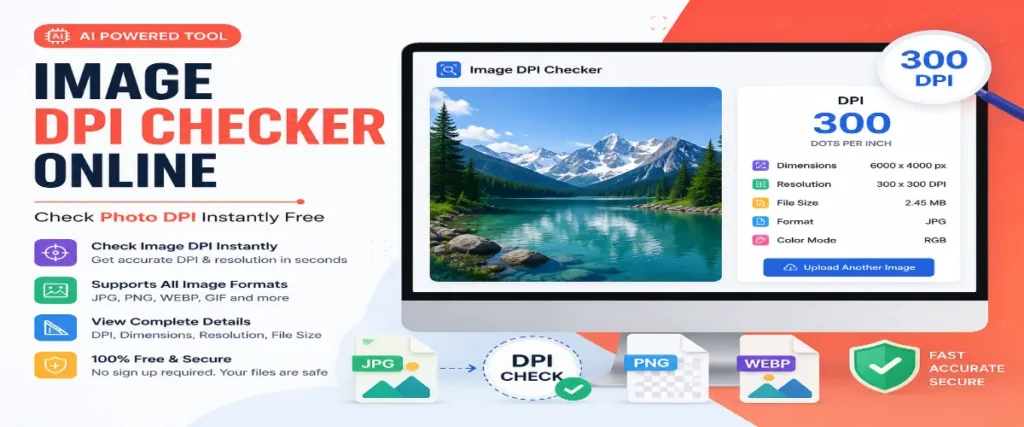
Click to upload or drag & drop images here
Check DPI & change it to any value · JPG, PNG, WebP, TIFF & BMP · 100% on your device
🔒 Your images never leave your device — checking & changing DPI happens in your browser.
How to Check the DPI of an Image
- Upload your image — click the upload box or drag & drop. JPG, PNG, BMP, and WebP are supported, and you can check multiple images at once.
- Read the result instantly — the DPI value appears immediately, with a quality badge showing whether it is print-ready.
- Check the print size — open the print size table to see how large your image can be printed at 72, 150, and 300 DPI in inches and centimeters.
What Is a Good DPI?
| DPI Value | Quality Level | Best For |
|---|---|---|
| 72 DPI | Screen resolution | Websites, social media, email — anything viewed on a screen |
| 150 DPI | Draft print | Internal documents, large posters viewed from a distance |
| 300 DPI | Print quality | Photo printing, magazines, books, business cards, passport photos |
| 600+ DPI | High-end print | Fine art reproduction, professional photography, detailed line art |
When You Need to Check Image DPI
DPI vs PPI — What's the Difference?
Technically, PPI (pixels per inch) describes digital image resolution, while DPI (dots per inch) describes how a printer lays ink dots on paper. In everyday use — and inside image files — the two terms refer to the same metadata value, so this tool reports it as DPI (PPI). One important thing to remember: DPI does not change image quality on screen. A 3000×2000 pixel photo contains the same detail at 72 DPI and 300 DPI — the DPI value only tells the printer how many inches those pixels should cover on paper.
Frequently Asked Questions
How do I check the DPI of an image online?
Upload your image to this tool — the DPI is read instantly from the file's metadata (EXIF, JFIF, or PNG pHYs) and shown along with the image dimensions, megapixels, and supported print sizes. No signup is needed and the image is never uploaded to any server.
Is 72 DPI good or bad?
72 DPI is perfectly fine for anything viewed on a screen — websites, social media, and email. It is too low for quality printing, where 300 DPI is the standard. If your image shows 72 DPI, it may simply have no resolution metadata, since software assumes 72 DPI by default.
What DPI is required for printing photos?
300 DPI is the standard for sharp photo prints, magazines, and business cards. 150 DPI is acceptable for drafts and large posters viewed from a distance, and 600 DPI or more is used for fine art and professional reproduction.
Does changing DPI change the image quality?
No. DPI is only a metadata instruction that tells printers how many inches your pixels should cover on paper. A 3000×2000 pixel image has exactly the same detail at 72 DPI and 300 DPI — changing the DPI value alone does not add or remove any pixels.
Why does my image show "no DPI metadata"?
Some images — especially screenshots, images exported by apps, or files processed by messaging apps like WhatsApp — are saved without any resolution metadata. In that case there is no stored DPI value, and most software treats the file as 72 DPI by default.
Can I check the DPI of multiple images at once?
Yes. You can upload several JPG, PNG, BMP, or WebP files together and each one gets its own result card with DPI, dimensions, and print size details.
Is it safe to check my photos here?
Yes. The tool reads only the metadata bytes of your file directly in your browser — nothing is uploaded to any server, so your photos and documents stay completely private.
More Free Tools
All tools run in your browser — free, private, no signup.